Bevel cutting compensation Additional Manual Page 4
Additional Manual
01 00.11.24 Murakawa Miyajima Newly designed.
Drawing No.
A - 78314E
Tilte
FANUC Series 16i /160i -LA
Bevel Cutting Compensation
Specification
Edit Date Design Recog. Contents Page 4 / 7
4. Preset work coordinate system at the bevel cutting mode off
The bevel cutting mode can be started and cancelled (G71 P1 and G71 P0 are executed and
Reset) at any bevel angle. However, if the bevel angle is different between the bevel cutting mode
is started and cancelled, the work coordinate system is shifted to the compensation. Therefore,
CNC presets the work coordinate system to the previous condition automatically when the bevel
cutting mode is cancelled.
[Example]
Absolute coordinate Machine coordinate
N01 G90 G00 X0 Y0 Z0 A0 B0 ;
N02 G71 P1 ;
N03 G01 B45. ;
(Motion during bevel cutting mode on)
N04 G71 P0 ;
N05 G01 B0 ;
(Motion during bevel cutting mode off)
N06 G00 X0 Y0 Z0 ;
(A:4th axis, B:5th axis)
(
(
(
(
(
(
(
X,
0,
0,
0,
0,
0,
0,
Y,
0,
0,
0,
5.8,
5.8,
0,
Z,
0,
0,
0,
5.8,
5.8,
0,
A,
0,
0,
0,
0,
0,
0,
B
0
0
4
5.
4
5.
0
0
)
)
)
)
)
)
)
(
(
(
(
(
(
(
X,
0,
0,
0,
0,
0,
0,
Y,
0,
0,
232.,
232.,
5.8,
0,
Z,
0,
0,
-88.,
-88.,
5.8,
0,
A,
0,
0,
0,
0,
0,
0,
B
0
0
4
5.
4
5.
0
0
)
)
)
)
)
)
)
5. Parameter
15616 2nd arm length
[Type]
[Unit]
[Range]
Set the second arm length.
2 words
0.001mm (Millimeter machine)
0.0001inch (Inch machine)
0 to 500,000 (Millimeter machine)
0 to 196,850 (Inch machine)
15619 2nd arm offset length
[Type]
[Unit]
[Range]
Set the second arm offset length at vertical condition.
2 words
0.001mm (Millimeter machine)
0.0001inch (Inch machine)
PRM.15616 + 15619 ≤ 0 to 500,000(Millimeter
machine)
PRM.15616 + 15619 ≤ 0 to 196,850(Inch machine)
15624 Maximum bevel angle
[Type]
[Unit]
[Range]
Set the maximum bevel angle.
2 words
0.001degree
1 to 89,999 (Normal setting = 60000)
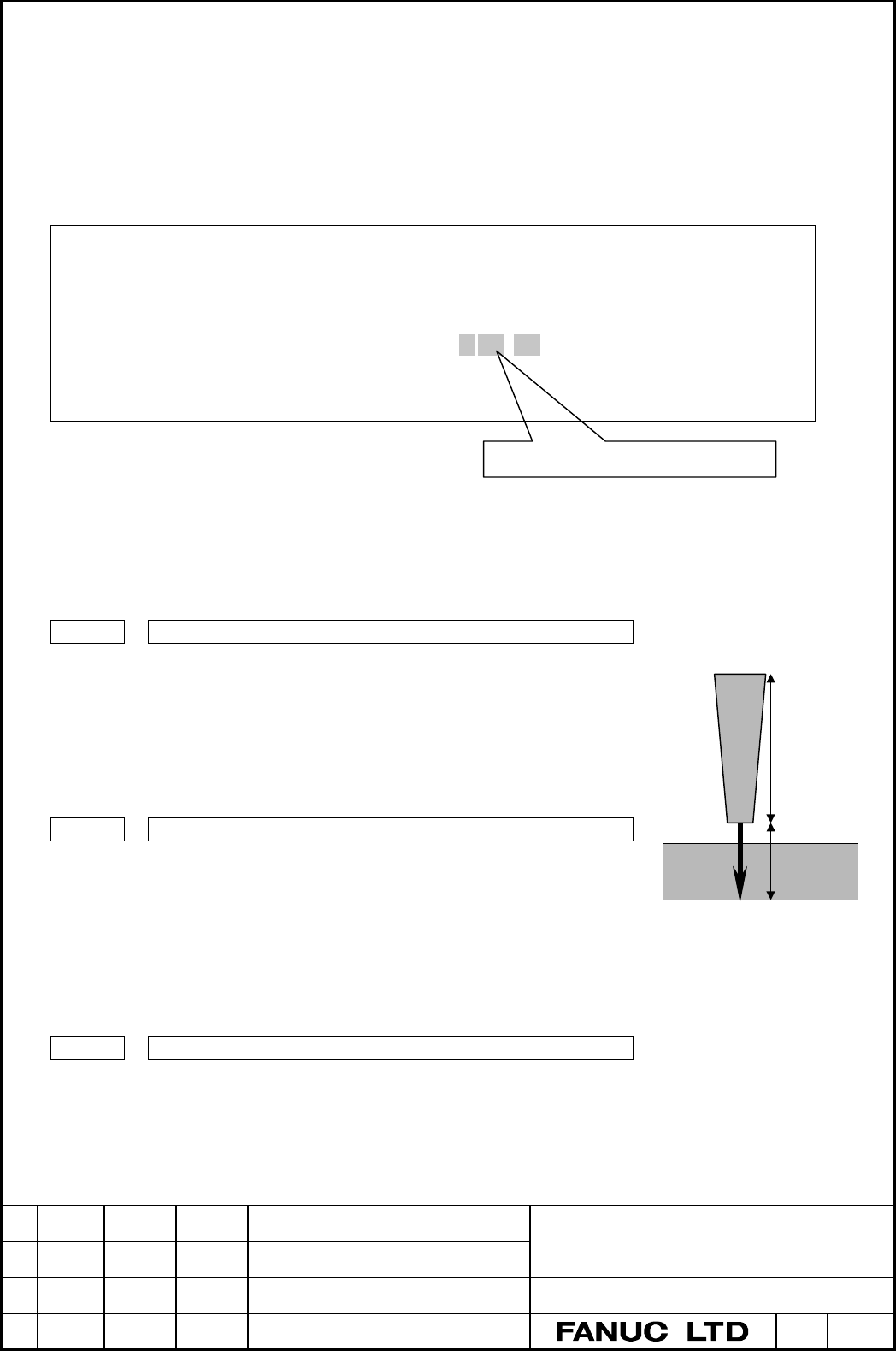
Nozzle
Parameter
No.15619
Workpiece
Parameter
No.15616
Preset work coordinate system
Contents Summary of Bevel cutting compensation Additional Manual
- Page 1FANUC Series 16i /160i -LA Bevel Cutting Compensation Specifications • The specifications contain optional functions. • The specifications are subject to change without notice because of the improvement. Tilte FANUC Series 16i /160i -LA Bevel Cutting Compensation Specification 01 00.11.24 Murakawa M
- Page 21. Outline In most case of bevel cutting, the tool center point (TCP) of the fixed nozzle (Attitude control-B function) is set on the bottom side of workpiece. When the bevel angle is changing continuously, the nozzle rotates around this TCP. (Figure 1) Therefore, the nozzle would have a collision w
- Page 32. Format G71 P1 ; Starts the bevel cutting mode. G71 P0 ; Cancels the bevel cutting mode. The bevel cutting compensation function is active during the bevel cutting mode. The bevel cutting compensation function manages the procedure of fixed nozzle continuously by using the arithmetic 2nd arm lengt
- Page 44. Preset work coordinate system at the bevel cutting mode off The bevel cutting mode can be started and cancelled (G71 P1 and G71 P0 are executed and Reset) at any bevel angle. However, if the bevel angle is different between the bevel cutting mode is started and cancelled, the work coordinate syst
- Page 56. Alarm Alarm No. Contents P/S4021 If the bevel angle is commanded in order to over the parameter No.15624 during the bevel cutting mode, P/S4021 alarm is occurred before the 5th axis motion. Also, if G71 R_ is commanded during the bevel cutting mode, P/S4021 alarm is occurred. Note) As the bevel a
- Page 6(2) No.15548 = 100 This parameter is velocity coefficient in New trace function. If trace axis had overshoot, this parameter is used for adjustment. Usually, please set to 100. (Unit : %) (3) No.15547_Z & _W Set the travel distance per rotation of Z-axis (or W-axis) motor. (Unit : 0.001mm) This para
- Page 78.4 Sequence When the trace on / off is managed by TCST signal, please make ladder sequence as following. (1) Trace on sequence Trace on M code Next block FIN